
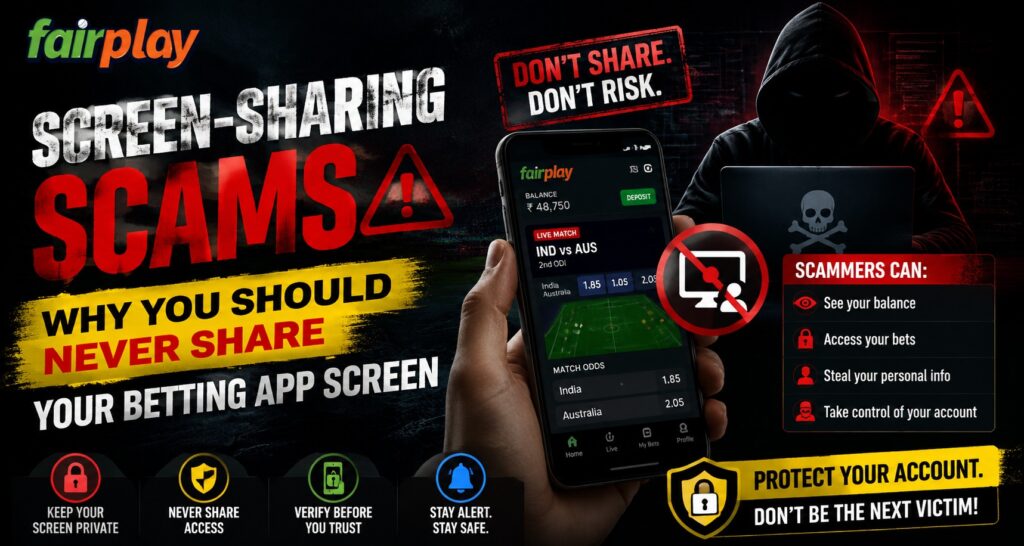
Digital security has become increasingly important as more users manage accounts through mobile applications. One growing threat is screen-sharing scams, where fraudsters convince users to share their device screens and gain access to sensitive information. Users accessing platforms like Fairplay24 should understand these risks and follow safe practices to protect their personal and account details.
Screen-sharing tools are useful for technical support and remote assistance, but they can become dangerous when used by unknown individuals. Scammers often pretend to be customer support representatives or trusted helpers to manipulate users into sharing their screens.
What Are Screen-Sharing Scams?
A screen-sharing scam occurs when a fraudster convinces a user to allow remote access or screen visibility through a mobile application. Once connected, the scammer may watch activities on the device and attempt to collect sensitive information.
During a screen-sharing session, scammers may try to view:
- Login details.
- Account balances.
- Personal information.
- Verification codes.
- Payment notifications.
- Private messages.
The main danger is that users may unknowingly reveal information while believing they are receiving assistance.
How Do Screen-Sharing Scams Usually Work?
Scammers often use social engineering techniques rather than technical hacking methods. They create situations that make users feel pressured to cooperate.
Common scam methods include:
Fake Customer Support Calls
Fraudsters may contact users pretending to represent a company or service. They claim there is an account issue and ask users to share their screen for verification.
Fake Troubleshooting Assistance
Scammers may say they can fix login problems, payment issues, or technical errors by viewing the user’s device.
Urgent Security Warnings
Some scammers create panic by claiming the account is at risk and immediate action is required.
These tactics rely on trust and urgency to convince users.
Why Sharing Your App Screen Is Dangerous
When users share their screens, they may expose information without realising it. Even a few seconds of screen access can reveal important details.
Risks include:
- Exposure of account information.
- Visibility of private notifications.
- Access to verification messages.
- Potential account takeover attempts.
A legitimate support team should not require users to share sensitive information through uncontrolled screen access.
Common Information Scammers Look For
Fraudsters are often searching for specific details that can help them access accounts.
They may attempt to view:
- Usernames.
- Password entries.
- One-time passwords.
- Payment details.
- Account settings.
- Personal identification information.
Users should always treat such information as private.
How to Identify a Screen-Sharing Scam
Recognising warning signs can help users avoid becoming victims.
Possible red flags include:
- Unsolicited calls asking for remote access.
- Requests to install unknown apps.
- Pressure to act immediately.
- Requests for OTPs or passwords.
- Promises of quick account fixes.
If someone asks for complete screen access, users should be extremely cautious.
Safe Practices for Protecting Your Account
Following basic security habits can significantly reduce risks.
Users should:
- Never share their screen with unknown individuals.
- Avoid installing remote access apps without verification.
- Keep passwords private.
- Ignore suspicious messages.
- Contact official support channels directly.
These steps help maintain better control over digital accounts.
Protecting Mobile Applications
Mobile security is important because smartphones contain personal information, payment details, and account access data.
Recommended practices include:
- Download apps only from trusted sources.
- Keep applications updated.
- Use device security features.
- Review app permissions regularly.
- Lock devices with secure passwords.
A secure device creates an additional layer of protection.
Account Security and Digital Access
Many users manage online accounts through mobile platforms, making security awareness essential. Users accessing Fairplay24 in Login sections should always verify support requests and avoid sharing private account details.
Official support processes generally focus on helping users without requiring access to private device information.
Mobile Apps and Safe Usage
Mobile applications provide convenience, but users must remain careful about security threats. Scammers often target users through fake assistance methods rather than attacking applications directly.
The Fairplay24 App provides mobile access options, but users should maintain safe browsing habits and avoid sharing their screen with unknown contacts. Platforms connected with Fairplay24 Com should always be accessed through verified channels.
What To Do If You Already Shared Your Screen
If a user has already shared their screen with a suspicious person, quick action is important.
Recommended steps include:
- Disconnect the screen-sharing session immediately.
- Change important passwords.
- Check account activity.
- Remove unknown applications.
- Contact official support if needed.
Acting quickly can reduce possible risks.
Conclusion
Screen-sharing scams are becoming a serious digital security concern because they depend on user trust rather than complicated technical methods. Sharing your app screen with unknown individuals can expose sensitive information and create opportunities for misuse.
Users should remember that legitimate support teams do not require unnecessary access to private device information. By following secure practices, protecting login details, and staying alert, users can maintain better control over their digital accounts.
Frequently Asked Questions
What is a screen-sharing scam?
A screen-sharing scam occurs when fraudsters convince users to share their device screen to collect sensitive information.
Why should users avoid sharing their app screen?
Sharing an app screen can expose private information such as account details, notifications, and verification codes.
Can scammers access accounts through screen sharing?
Yes, scammers may use information visible during screen sharing to attempt unauthorised account access.
Should customer support ask for screen sharing?
Users should verify support requests carefully because legitimate support channels usually avoid asking for unnecessary access.
What should I do after sharing my screen with a scammer?
Disconnect immediately, change passwords, check account activity, and remove suspicious applications.
What is Fairplay24 App used for?
Fairplay24 App refers to a mobile-based access option that allows users to explore platform features while maintaining secure account practices.